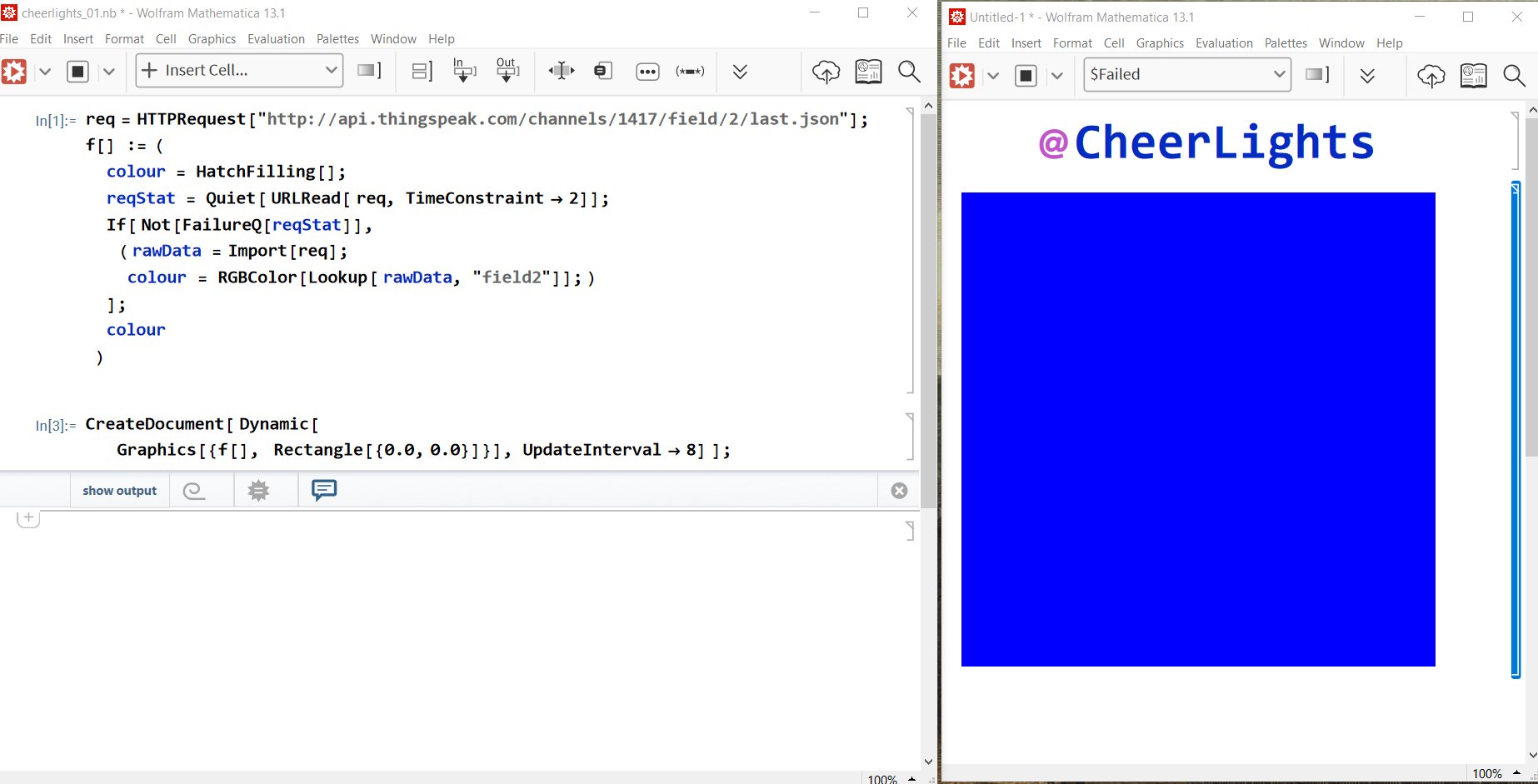
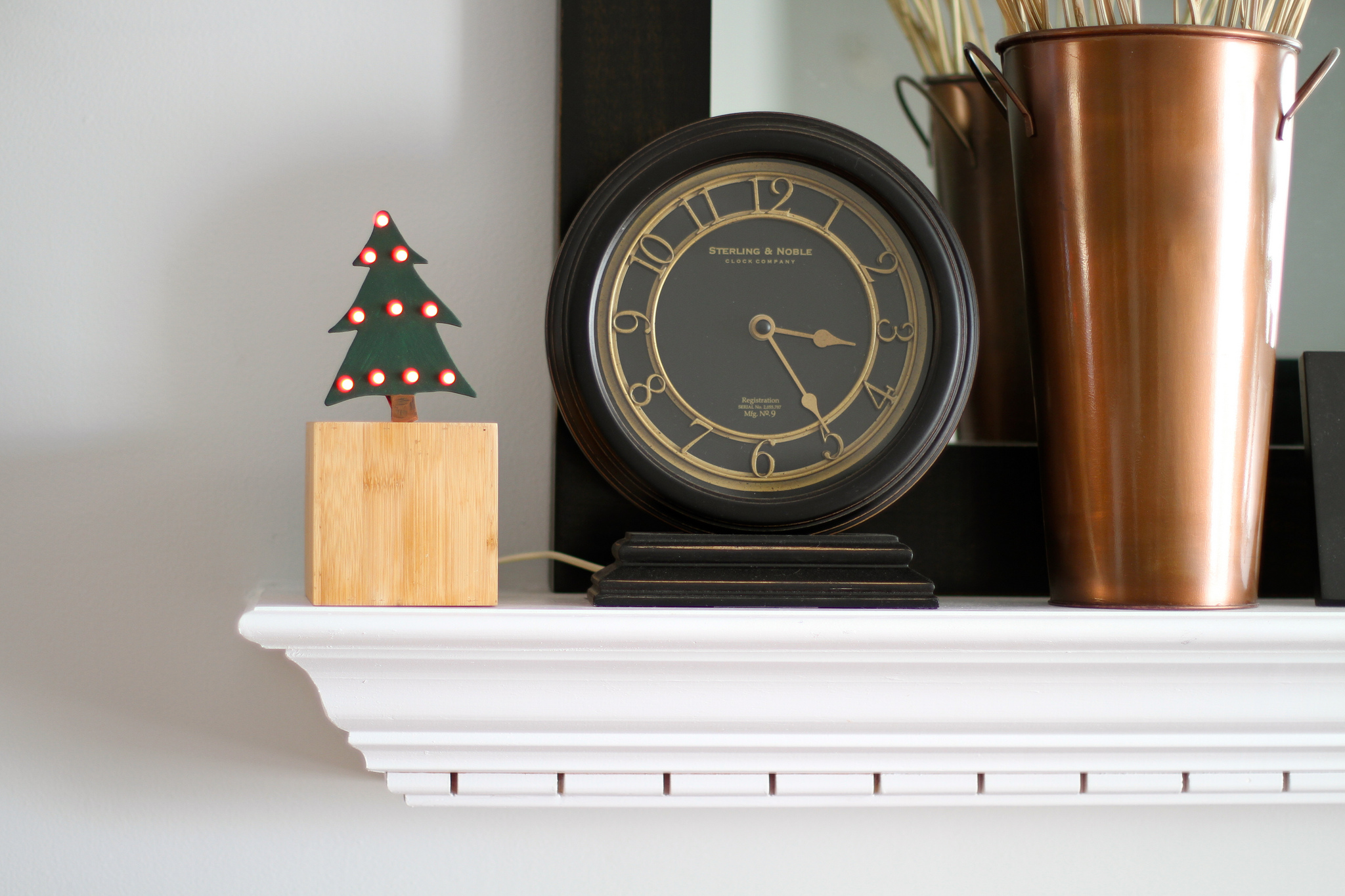
Using the #raspi, Graham from xmas4all.co.uk created a bookshelf with accent lighting. The color is tuned into the CheerLights feed and the results are a year-round display of the CheerLights color (colour that is…). The Project is built around a Raspberry Pi, Arduino Uno, 3 HEXFET mosfets and 5 meters of RGB 5050 LED colour ribbon.
Visit xmas4all.co.uk for more information about the project.
CheerLights Christmas Tree Topper #arduino #ethernet
[Paul Gorman] decided to mod his Christmas tree topper. He added an RGB LED to illuminate his star on top of his Christmas tree. The color that is glows is the latest CheerLights color. The wise men could have used this on their journey.
Source: presence.irev.net
LED Holiday Wreath Connected to CheerLights [video]
[Dennis Adams] built a holiday wreath that displays animated color patterns and the latest CheerLights color. The build steps are on Sector67 with photos - it was great to see parts of the process and see the wreath come to life. The parts include addressable RGB Strip LEDs from Cool Neon (TCLPXL50), an Arduino, an Internet Gateway (laptop), and Ping-Pong balls!
[via Hack A Day / Sector67]
The Tiny, Arduino-enabled Digispark Supports CheerLights
Backers of the very popular Kickstarter project, Digispark, will love to hear that CheerLights will be supported right out of the box by plugging it into an open USB port and adding the $1 RGB shield. We will be getting our Digisparks soon, so we can’t wait to share more with you about this cool prototyping device. In the mean time, we recommend that you join their forum and interact with the growing community. As you can see, the Digispark team is swamped with putting together over 5000 Digisparks for their Kickstarter orders!
Source: kickstarter.com
Smart Star - Arduino, Node.js, and MQTT
Somewhere, Rube Goldberg is smiling. The “Smart Star” project links together many technologies and produces a very nice result. [Martin] created a “Smart Star” that animates and changes color based on the latest CheerLights color on Twitter. He wrote a Twitter API Stream Listener in Node.js that forwards and parses Tweets, publishes them to an MQTT Broker, where an Arduino + Wifly shield is subscribed and controlling three separate rope lights that form the star. Check out the video below!
[via Freakent]
Updated CheerLights Code on GitHub
Sample code for ioBridge Iota / IO-204, Arduino, and Digi ConnectPort.
Noel created a wireless version of CheerLights using ioBridge and XBee Radios from Digi. He added random colors sequences and schedules using the ioBridge API to turn off his lights during the daytime and back on at night. The results are spectacular from the aptly named Noel!
I’m an avid fan of all things connected to the Internet (aka the internet of things) and love hacking and tinkering away in my free time. This year I decided to join other folks in a social Christmas lights experiment called Cheerlights. The project provided an API powered by the thinkspeak.com platform that allowed users to subscribe to the latest color tweeted.
[via My Web of Things Blog / The AppsLab]
Cheerlights by PepperSuite on Flickr.


![Noel created a wireless version of CheerLights using ioBridge and XBee Radios from Digi. He added random colors sequences and schedules using the ioBridge API to turn off his lights during the daytime and back on at night. The results are spectacular from the aptly named Noel!
I’m an avid fan of all things connected to the Internet (aka the internet of things) and love hacking and tinkering away in my free time. This year I decided to join other folks in a social Christmas lights experiment called Cheerlights. The project provided an API powered by the thinkspeak.com platform that allowed users to subscribe to the latest color tweeted.
[via My Web of Things Blog / The AppsLab]](http://25.media.tumblr.com/tumblr_lxap98M2Vk1r7utfio1_1280.jpg)