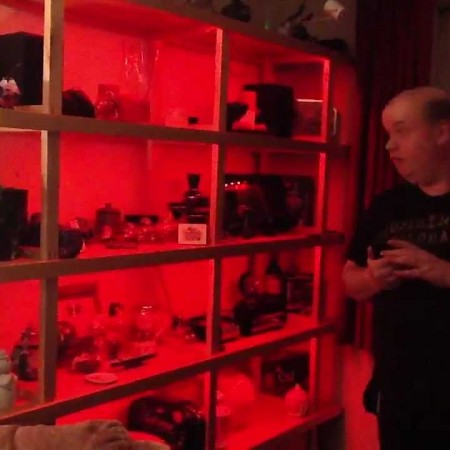
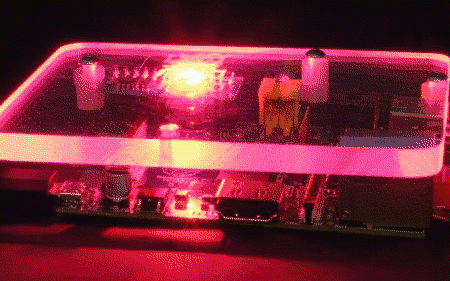
Noel created a wireless version of CheerLights using ioBridge and XBee Radios from Digi. He added random colors sequences and schedules using the ioBridge API to turn off his lights during the daytime and back on at night. The results are spectacular from the aptly named Noel!
I’m an avid fan of all things connected to the Internet (aka the internet of things) and love hacking and tinkering away in my free time. This year I decided to join other folks in a social Christmas lights experiment called Cheerlights. The project provided an API powered by the thinkspeak.com platform that allowed users to subscribe to the latest color tweeted.
[via My Web of Things Blog / The AppsLab]
CheerLights Controllers
You have many options for building a CheerLights controller. The idea behind the CheerLights project is to have something synchronized with the rest of the world. You could simply have 3 LEDs of different colors sitting on your desk and knowing that the color being shown is the same color being displayed across the world. If you come up with something new, please share it as others may want to use your version to join the CheerLights project.
Right now we have three controller tutorials:

![Noel created a wireless version of CheerLights using ioBridge and XBee Radios from Digi. He added random colors sequences and schedules using the ioBridge API to turn off his lights during the daytime and back on at night. The results are spectacular from the aptly named Noel!
I’m an avid fan of all things connected to the Internet (aka the internet of things) and love hacking and tinkering away in my free time. This year I decided to join other folks in a social Christmas lights experiment called Cheerlights. The project provided an API powered by the thinkspeak.com platform that allowed users to subscribe to the latest color tweeted.
[via My Web of Things Blog / The AppsLab]](http://25.media.tumblr.com/tumblr_lxap98M2Vk1r7utfio1_1280.jpg)