

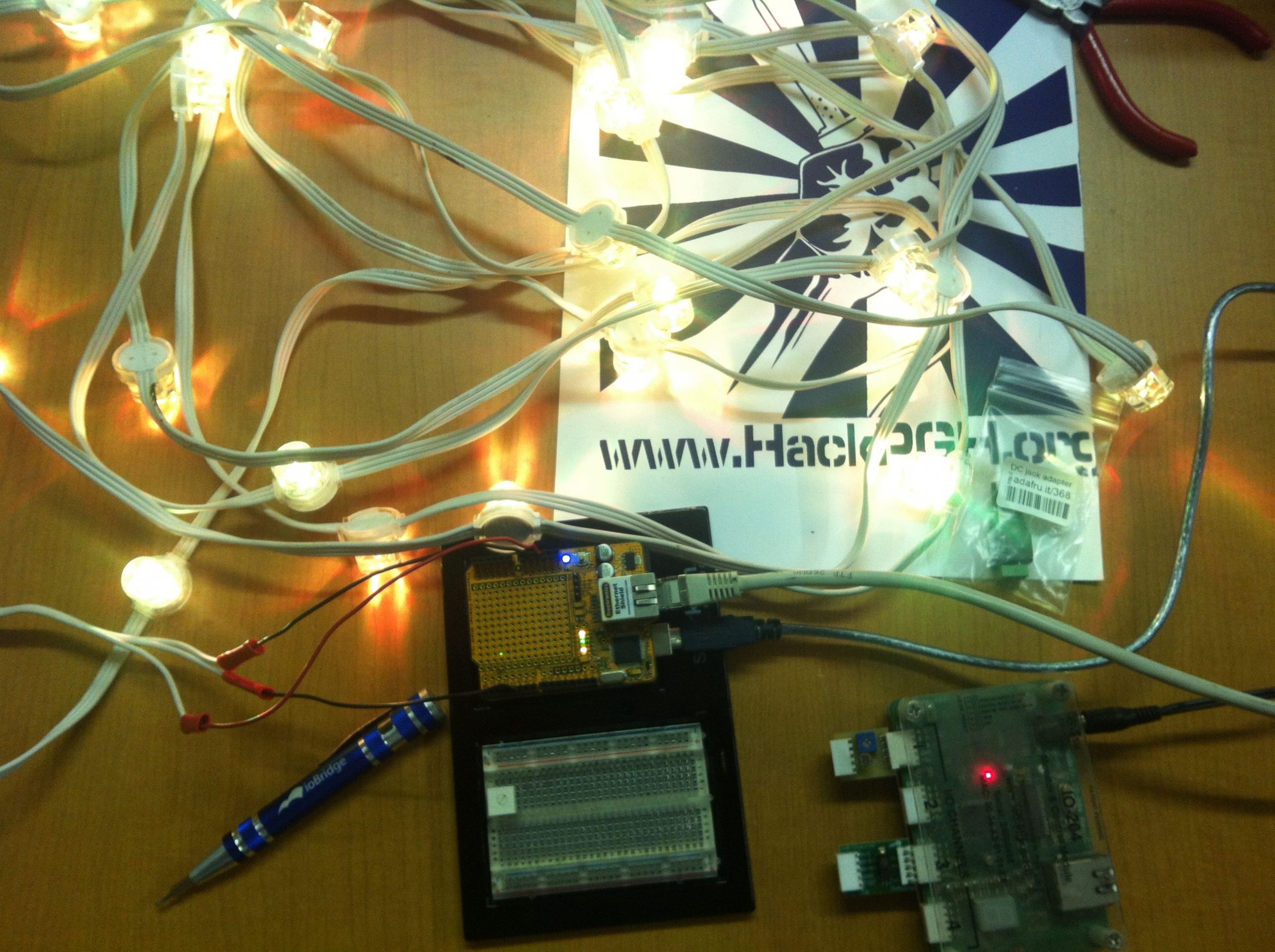
To join the CheerLights project, you need to build a display of the latest CheerLights color. The display can be a physical set of multicolored lights or a virtual display like a web page, widget, or app. In all cases, the displays read the latest CheerLights color using the CheerLights API.


CheerLights GitHub
Check out GitHub (CheerLights GitHub and the NotHans GitHub) for our latest examples using Arduino and different types of lighting displays and client libraries.
CheerLights Arduino Library
We have published an official library that supports Arduino-compatible Wi-Fi-enabled boards, along with several examples. The library supports the Arduino MKR1000, Arduino MKR WiFi 1010, Arduino Uno WiFi Rev2, Arduino Mega WiFi Rev2, Arduino Uno R4 WiFi, ESP8266, and ESP32. Include the library at the top of your Arduino sketch, use the method CheerLights.getCurrentColor(), and use that color for your RGB LEDs. The most common configuration is an ESP WiFi device connected to a strip of NeoPixel LEDs.
Arduino Library Installation
- Open the Arduino IDE.
- Select Tools > Manage Libraries.
- Search for “CheerLights” and click “install”.
ThingSpeak Arduino / Particle Library
ThingSpeak has an official library for Arduino and Particle / Spark devices. Once you have installed the library, you can use have access to the latest CheerLights color by using the readStringField command on Arduino and Particle devices.
Library Installation
Arduino IDE
In the Arduino IDE, choose Sketch/Include Library/Manage Libraries. Click the ThingSpeak Library from the list, and click the Install button.
Particle / Spark IDE
In the Particle Web IDE, click the libraries tab, find “ThingSpeak”, and choose “Include in App”.
WLED
WLED is special firmware for ESP devices that runs multicolor LED lights. Once installed, it allows you to create cool effects, synchronize multiple devices, and build light shows.

cURL
To get the latest color name at the command line, type:
curl http://api.thingspeak.com/channels/1417/field/1/last.txt

Web Widgets
A web widget is HTML, JavaScript, and CSS that displays the latest CheerLights color on your website, WordPress blog, or Tumblr site. This is an easy way for web developers to join the CheerLights project. To build a widget, you need to make an AJAX call to the CheerLights API, parse the response for the latest color, and set the color of an object with the color. field2 contains the HTML HEX color value of the newest color.
CheerLights Web Widget Links
- Solid Color Background: https://widgets.cheerlights.com/color.html
- CheerLights Logo: https://widgets.cheerlights.com/logo.html
- FearLights Logo: https://widgets.cheerlights.com/fearlights.html
- Snow: https://widgets.cheerlights.com/snow.html
- Lanterns: https://widgets.cheerlights.com/lanterns.html
- Leaves: https://widgets.cheerlights.com/leaves.html
- Aurora: https://widgets.cheerlights.com/aurora.html
- Particle: https://widgets.cheerlights.com/particle.html
- Digital Clock: https://widgets.cheerlights.com/clock.html

WordPress
To embed CheerLights web widgets on your WordPress site, use the “Shortcode” block in the editor and specify the width and height.

jQuery
Place code like this in the head of an HTML document to read the latest color from CheerLights and set the web page’s background color to that color.
$(document).ready(function() {
$.getJSON('https://api.thingspeak.com/channels/1417/feed/last.json', function(data) {
if (data.field2) {
$("body").css("background-color", data.field2);
}
});
}
MATLAB
Using MATLAB you can read in the latest color or do analysis on CheerLights to discover popular colors and how long colors get displayed during the day. To use CheerLights with MATLAB, install the ThingSpeak Support Toolbox. Once you install the toolbox, you can access the “thingSpeakRead” function. This is what you will use to read the latest colors into MATLAB.
latestCheer = thingSpeakRead(1417, 'outputFormat', 'table');
currentColor = latestCheer.LastCheerLightsCommand
Python Package
Install the CheerLights API Python Package using PyPI to interact with the CheerLights API from Python scripts.
This enables users to get the current CheerLights color, retrieve the color history, and perform various color-related actions. The CheerLights API Python Package is distributed by PyPI, and its code is hosted on GitHub.
